Desktop CRUD + AI API Integration
ExpensesTracker Desktop
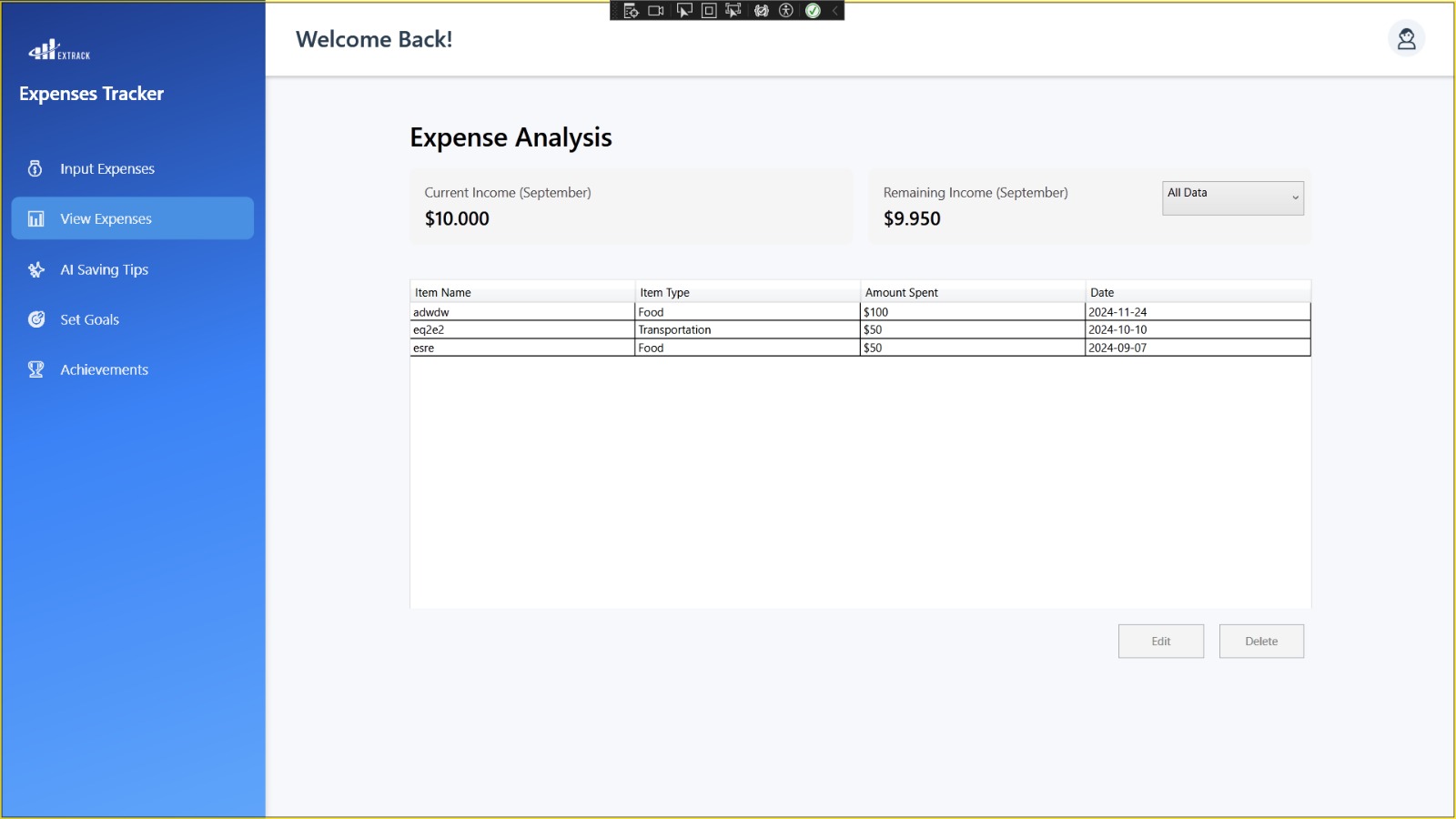
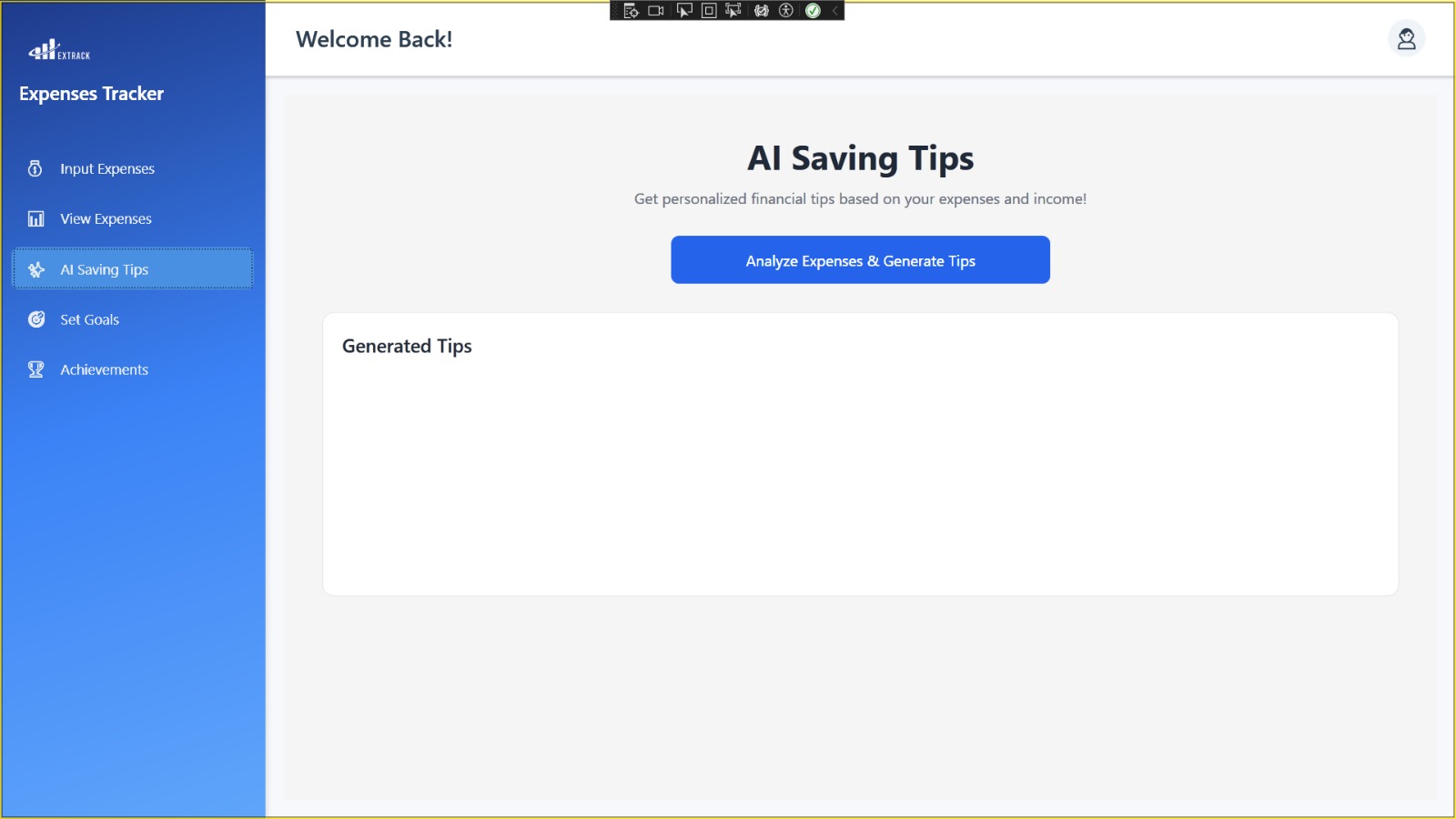
A WPF desktop CRUD application with AI API integration to track expenses, summarize spending, and provide financial advice.
Project Gallery
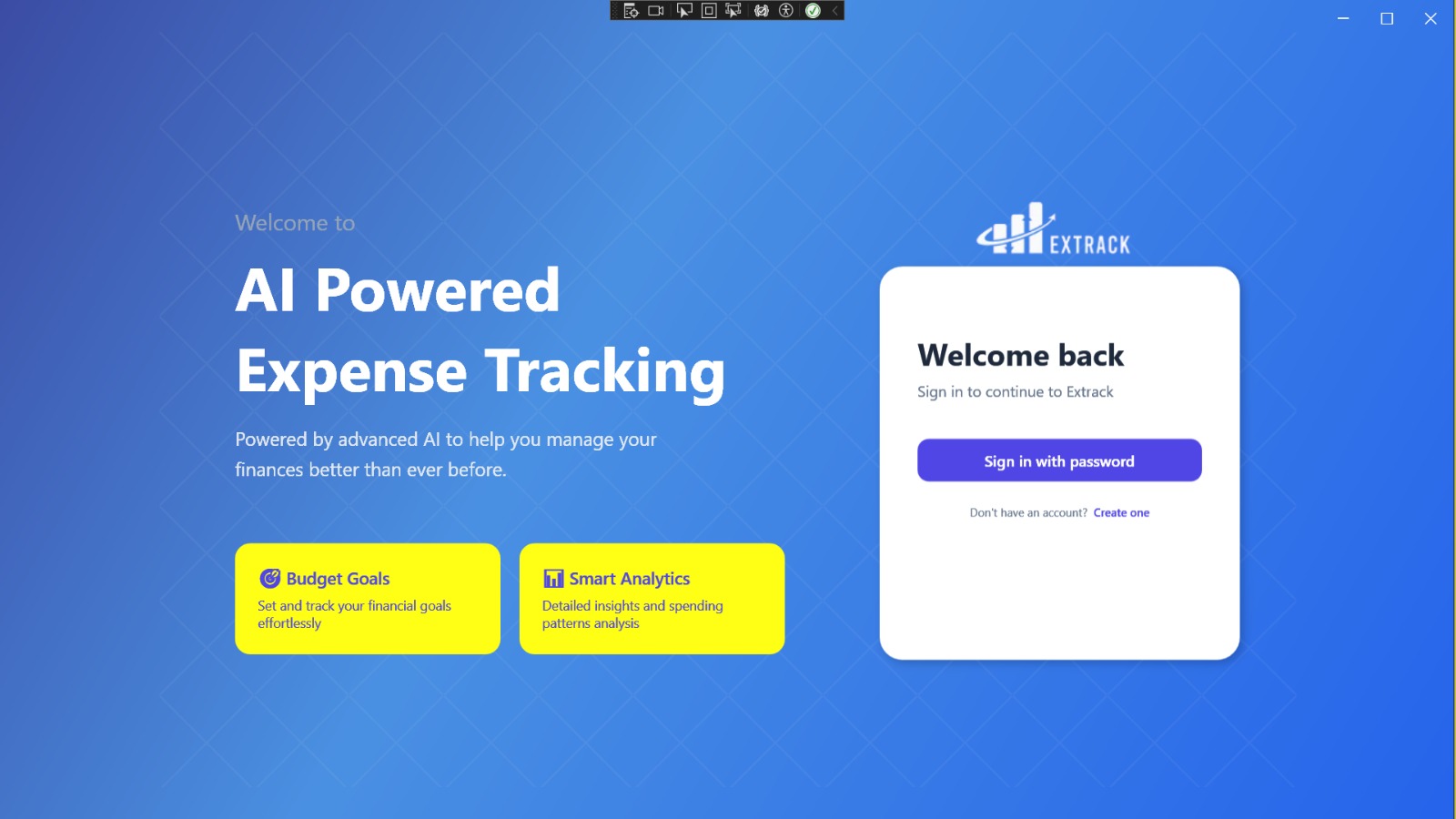
🔍
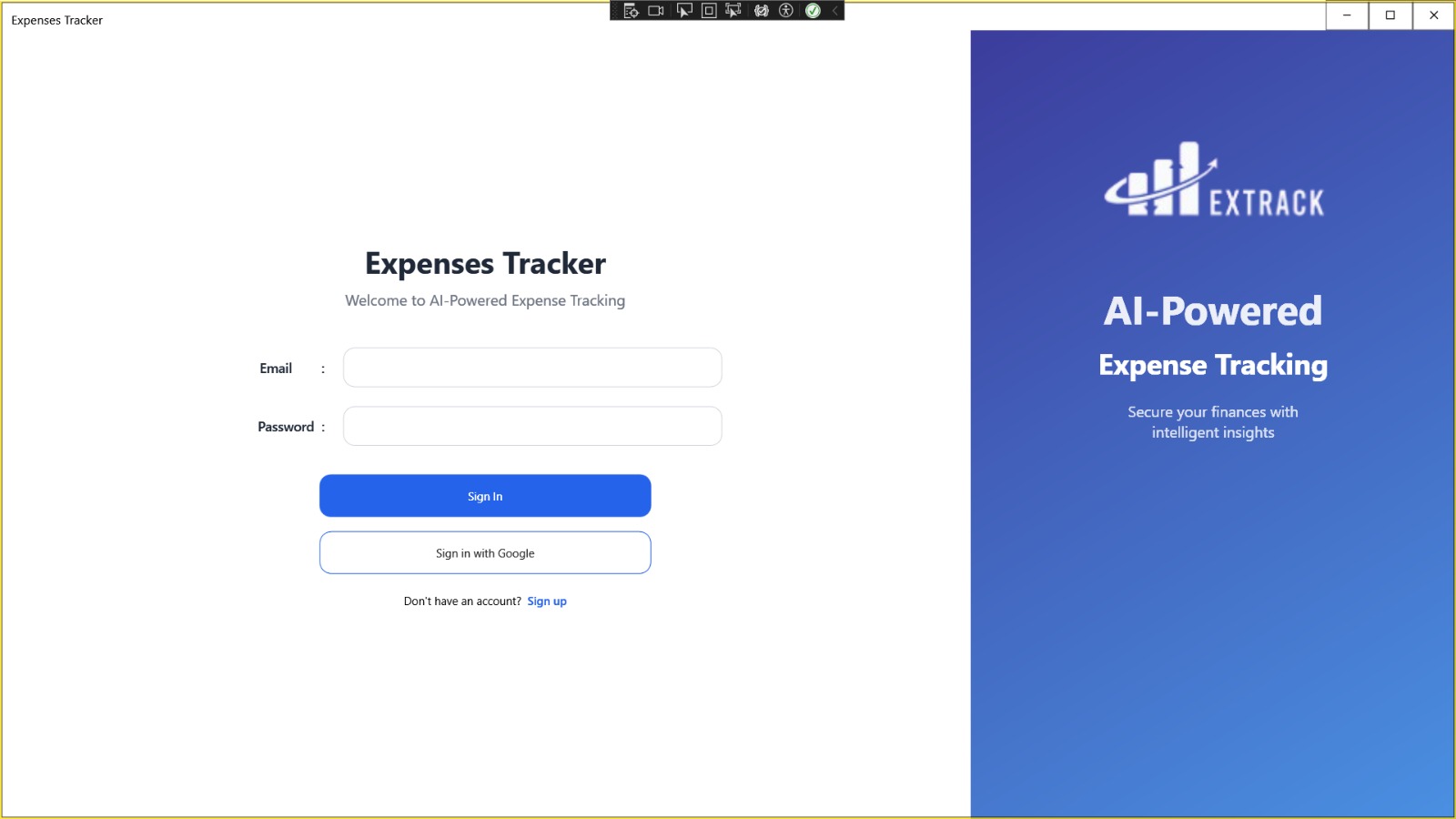
🔍
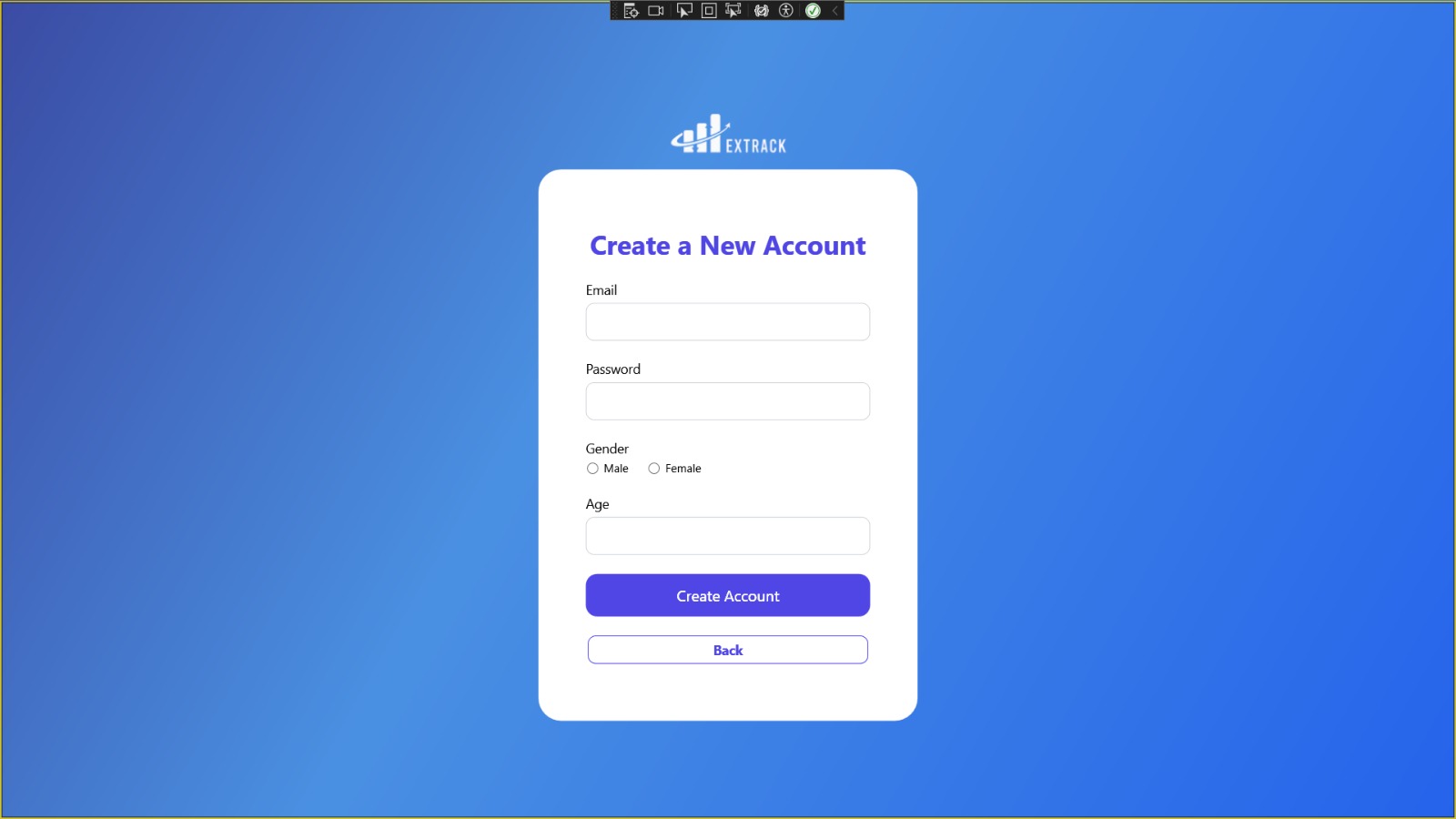
🔍
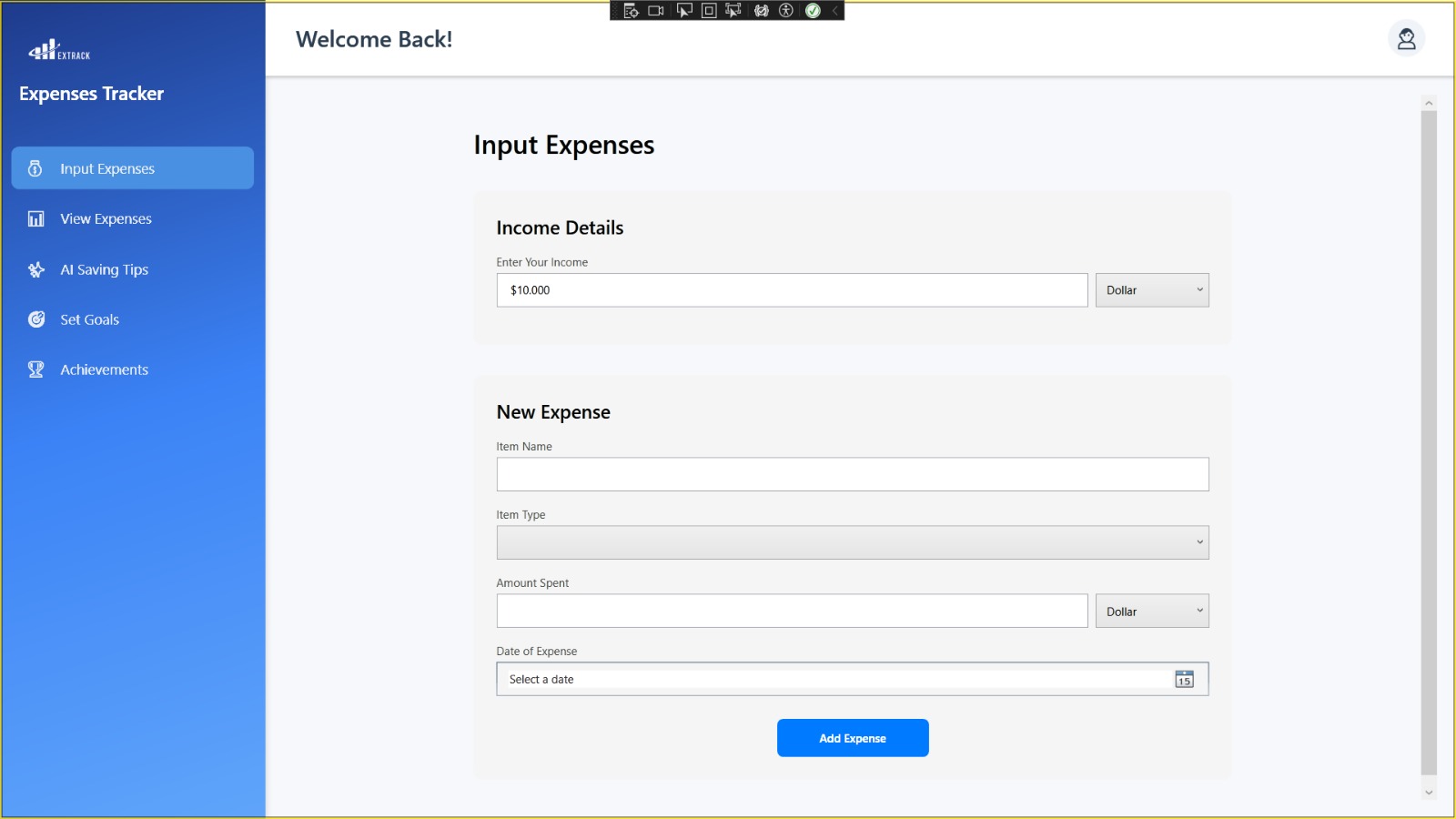
🔍
🔍
🔍
🔍
Project Overview
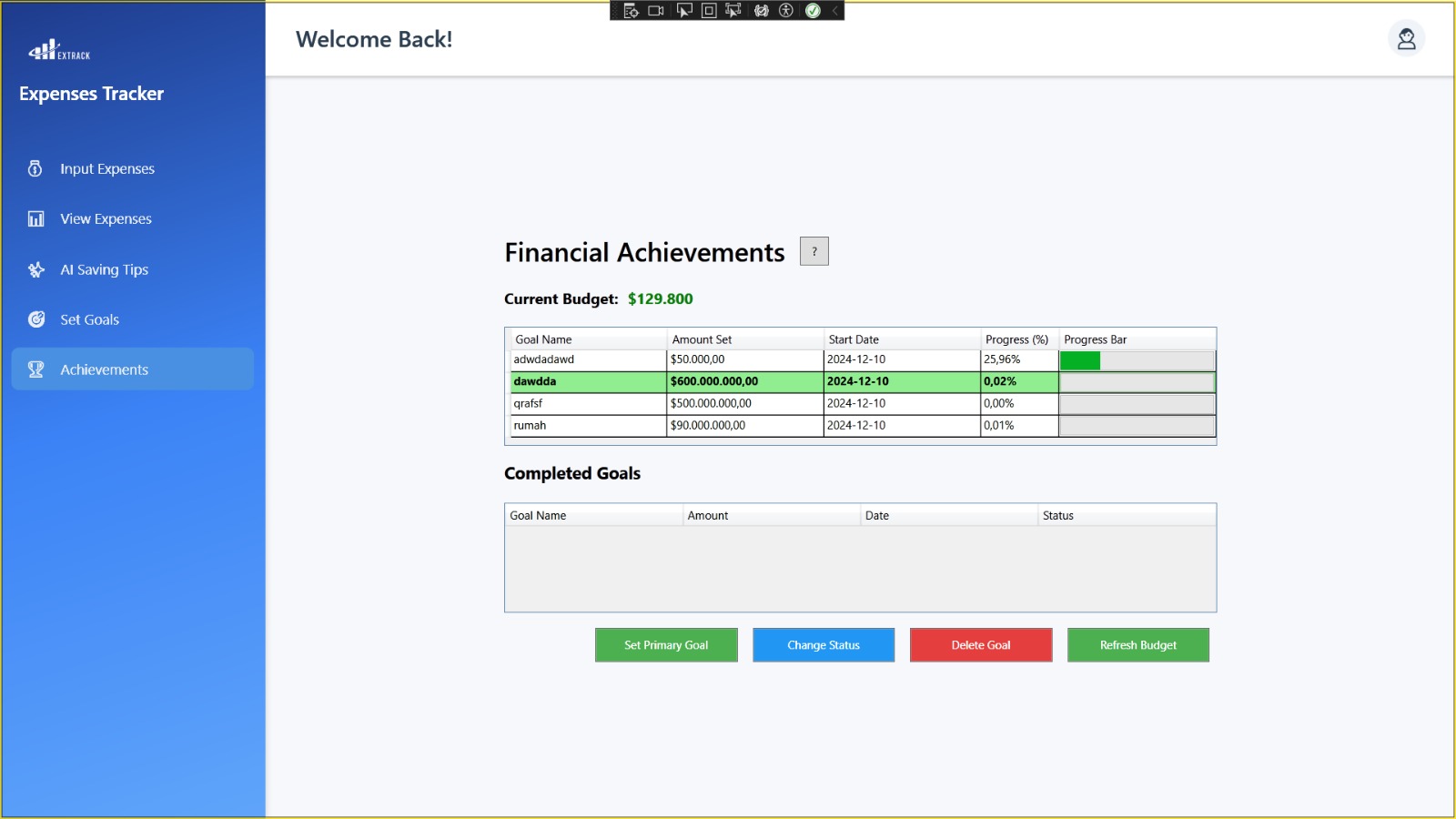
ExpensesTracker is a prototype desktop app built with WPF C# in Visual Studio. It allows users to log in, manage their expenses, and receive automated summaries and advice powered by AI. The app supports CRUD operations for expense data and lets users set savings targets.
Key Features
- User authentication (Login/logout)
- CRUD operations for expense management
- AI-powered expense summaries
- Savings target setting and tracking
- Financial insights and recommendations
- Intuitive WPF interface
Technical Details
- Framework: WPF (Windows Presentation Foundation)
- Language: C#
- IDE: Visual Studio
- AI Integration: ChatGPT API
- Architecture: Modular, single-user prototype
Development Story
This project started as a way to test the integration of AI APIs in desktop applications. I wanted to create a tool that not only tracks expenses but also helps users make smarter financial decisions. Building the CRUD system and connecting to the ChatGPT API was a rewarding experience.
Learning Outcomes
- Desktop application development with WPF
- API integration and AI workflows
- User experience design principles
- Financial data management
- C# programming and Visual Studio